







Windscribe

Free VPN for iPhone & iPad.

10 GB a Month.No Credit Card.

Get Windscribe for iOS to shield your cellular and Wi-Fi traffic, change your location, and block ads across every app in one tap.
Download for iOSDownload
Rated 4.7 by Trustpilot • 13K reviews
Windscribe for iOS, connected and sitting over the planet

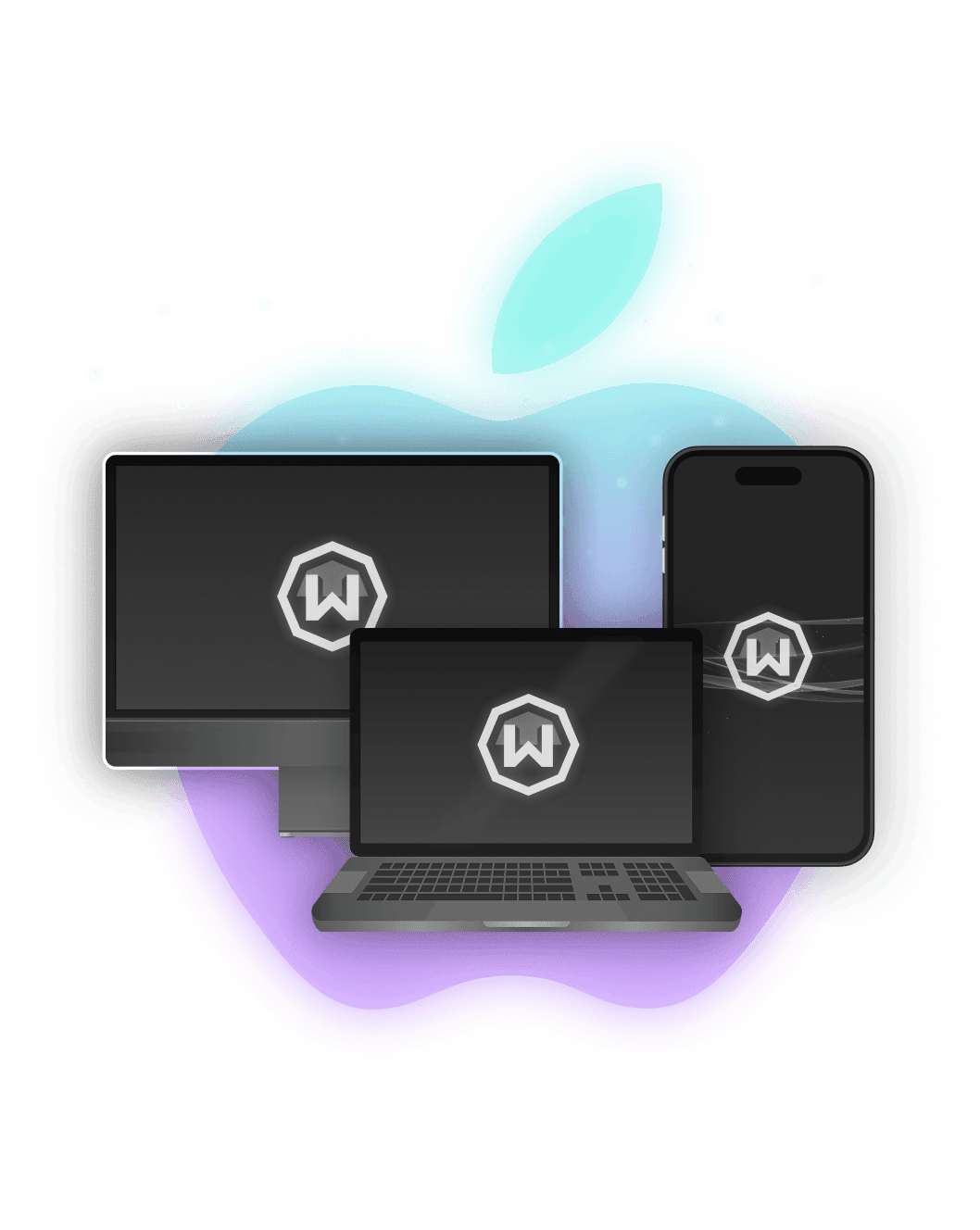
Built for iOS and iPadOS

Windscribe uses Apple's native VPN networking framework across iPhone and iPad.
  • Operating System
    iOS & iPadOS
  • Architecture
    Native iOS App
  • Integration
    Apple ID Signup & App Store Billing
  • Interface
    Light & Dark Mode
On the go? Windscribe integrates with iOS networking to protect your connection on Wi-Fi and cellular.
Windscribe chip artwork for the native iOS app

Privacy You Can Verify

How to install

Set Up Windscribe on iPhone in Seconds

  1. 1. Get the App
    Download Windscribe directly from the App Store.
  2. 2. Sign Up
    Tap "Get Started" to set up your account with no email required.
  3. 3. Connect
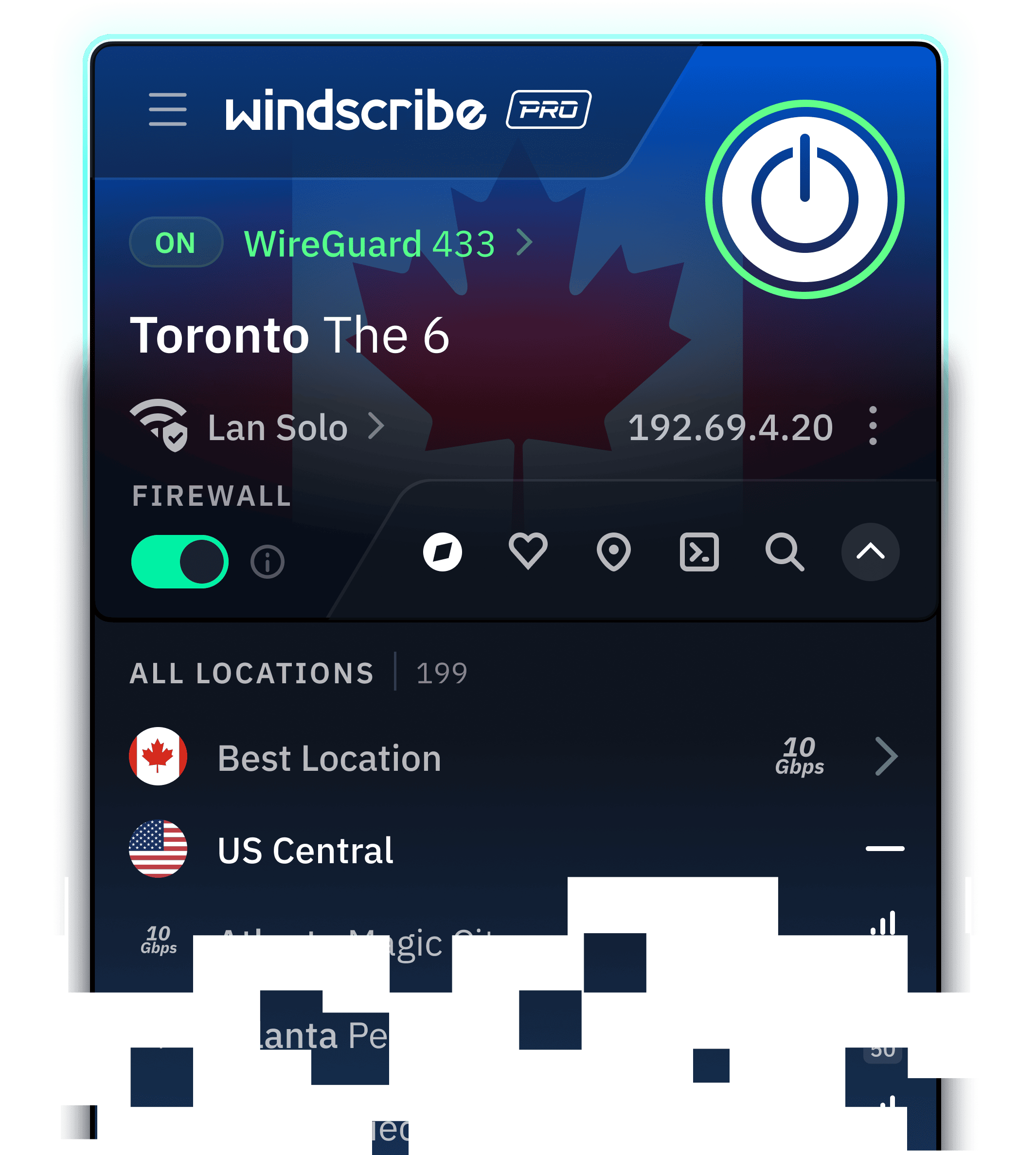
    Choose a location or tap connect to route your traffic instantly.
Free vs Pro

What You Get for Free (and What Pro Adds)

Windscribe Free is the same app, same encryption, and same Firewall as Pro with a monthly data cap and fewer locations.
Data
Locations
Devices
R.O.B.E.R.T.
Core Features
PopularFree$0, forever
Data
10 GB per month: 2 GB before you confirm your email
Locations
10 countries: US, Canada, Germany, Switzerland and 6 more
Devices
Unlimited devices: No cap on phones, laptops, or consoles
R.O.B.E.R.T.
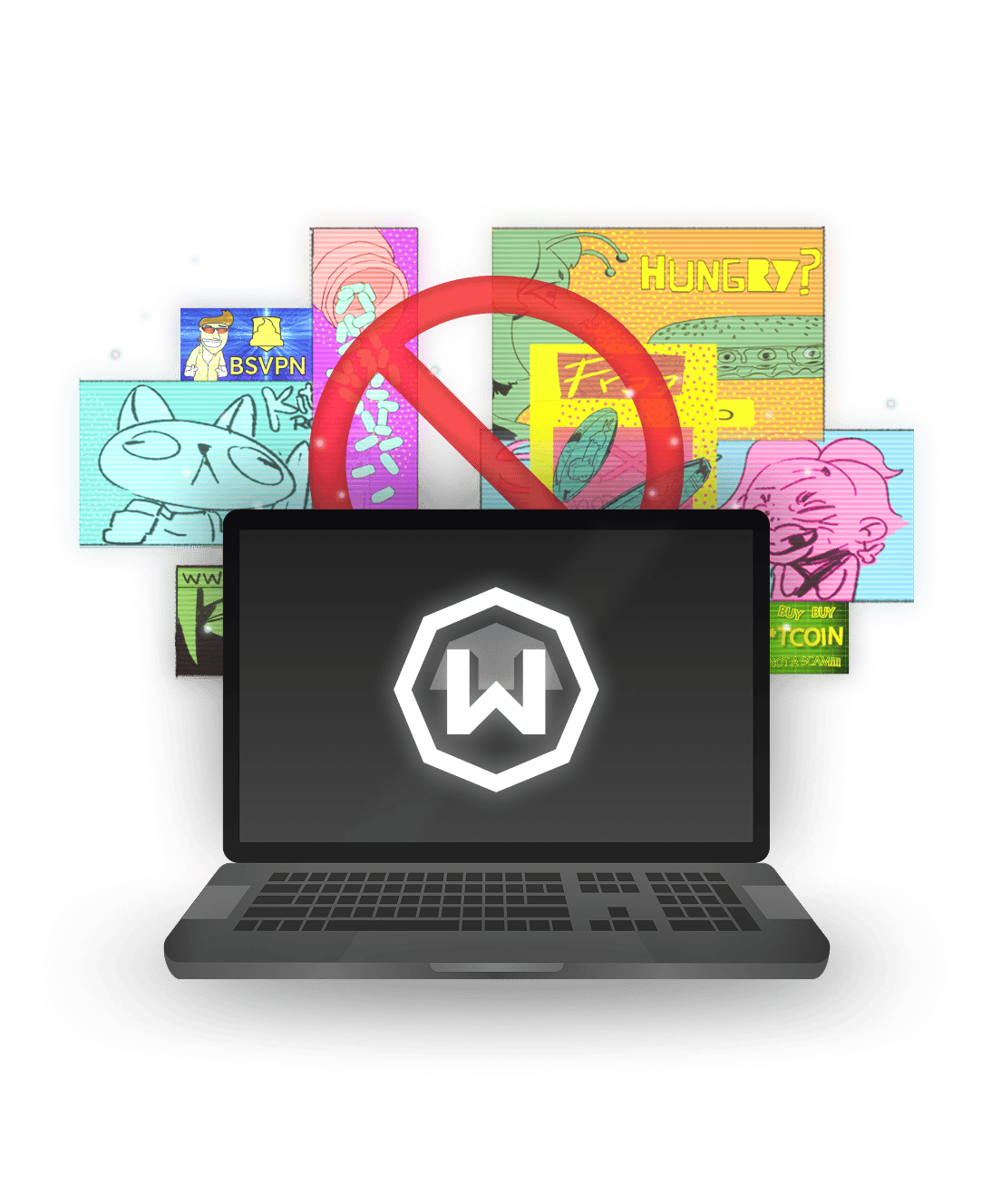
Limited: Preset ad, tracker, and malware blocklists
Core Features
All core features: Firewall, all 6 protocols, split tunneling
RecommendedProfrom $3/mo
Data
Unlimited: No strings attached
Locations
69+ countries, 135+ cities: The full suite of Windscribe locations
Devices
Unlimited devices: No cap on phones, laptops, or consoles
R.O.B.E.R.T.
Full R.O.B.E.R.T.: Full customization and custom rules
Core Features
All core features: Firewall, all 6 protocols, split tunneling
We're really free

Free Forever. Why?

Free is our marketing budget. We don't run ads, sell your data, or sneak you into a paid trial. Need more data or countries? Go Pro. Post about us on X and get an extra 5 GB every month. Yes, really.
Download for iOSDownload

Why Install Windscribe on iPhone

  • Untrusted Hotspot
    Public networks expose your activity. Windscribe protects your data on open Wi-Fi so local snoops get nothing.
  • Carrier Snooping
    Windscribe encrypts traffic between your iPhone and the VPN server, so your ISP or carrier cannot inspect your browsing.
  • Unavailable Content
    Geo-blocked content gets annoying. Swap your IP location in a tap and access the internet anywhere.
  • In-App Tracker Protection
    Free iOS apps are packed with background trackers. Windscribe cuts off communication to known tracking servers device-wide.
Protocols

Connect on Any Network

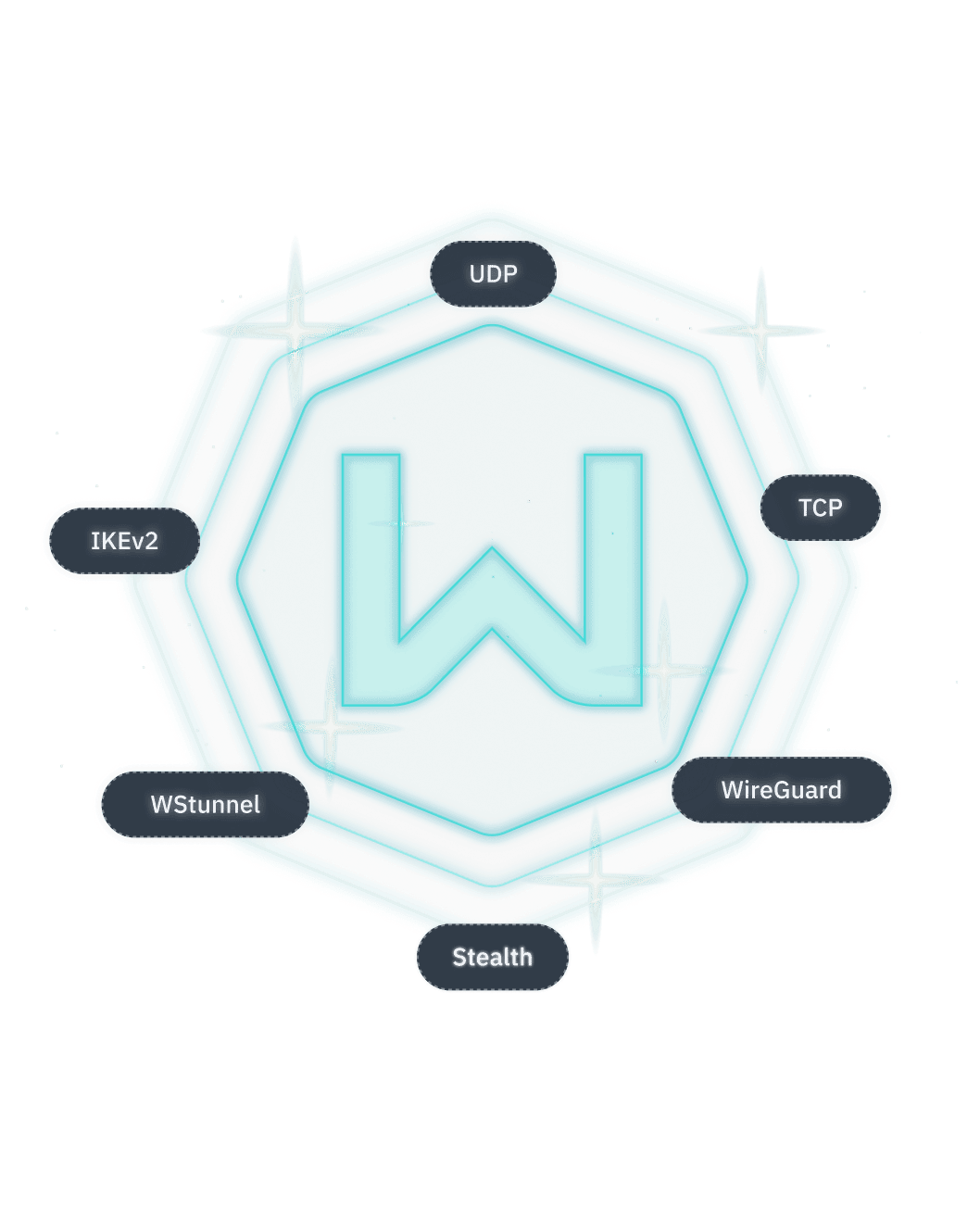
Windscribe offers 6 different protocols to choose from, along with over 20 different connection ports, for both Free and Pro users.
  • WireGuard®
    Latest next-generation VPN protocol that offers record-breaking speeds. Connect on 6 different ports.
  • IKEv2
    Offers fastest connection times and high speeds on most networks.
  • OpenVPN (TCP)
    OpenVPN over TCP. Helpful on restrictive networks. Connect on 11 different ports.
  • OpenVPN (UDP)
    OpenVPN over UDP. The de facto VPN standard for years. Connect on 6 different ports.
  • Stealth
    OpenVPN masked to look like HTTPS traffic. Helpful on restrictive networks. Connect on 11 ports.
  • WSTunnel
    OpenVPN masked to look like WebSocket traffic. Helpful on restrictive networks.

Get Windscribe
for iPhone

Shield your connection, block app ads, and stay
untracked on any network with 10 GB free every month.
Download for iOSDownload

Frequently Asked Questions

Do I need a VPN on my iPhone?

If you ever use public Wi-Fi, want to keep your browsing away from your ISP, or need to reach content from another region, yes. iOS secures the device; it doesn't encrypt your connection. That's the gap a VPN fills.

Does the iPhone have a built-in VPN?

No. iOS supports manual IKEv2 and L2TP/IPsec setup if a provider gives you the details, and iCloud Private Relay covers Safari, but there's no full built-in VPN. The simplest route is to download an app.

Is there a free VPN for iPhone?

Yes. Windscribe is free for iOS. You get 10 GB a month if you give us your email, or 2 GB if you don't. Create an account, download the app, and connect.

Will a VPN drain my iPhone battery?

Barely, if you use WireGuard. It's the most power-efficient protocol we offer and was built for mobile. Older protocols use a little more.

Does Windscribe work on iPad and Apple TV?

Yes. One account covers your iPhone, iPad, Mac, and Apple TV with unlimited simultaneous connections.

What's the best protocol to use on iOS?

WireGuard for most people: fast, secure, easy on the battery. Switch to Stealth or WSTunnel on networks that block VPNs, and IKEv2 if WireGuard won't connect.

What's the best VPN for iPhone?

That depends on what you need. Speed, a no-logs policy, a big server network, and a real native iOS app are the things to weigh. Windscribe brings strong encryption, unlimited device connections, R.O.B.E.R.T. ad blocking in every app, and a Firewall that fails closed rather than reacting after a leak.